
Tidix — See everything your Mac is doing
Native macOS system monitor with deeper insights
Stats
- Domain Rating
- 3+3
- Applied to
- 3
since joining ShipList
directories
About
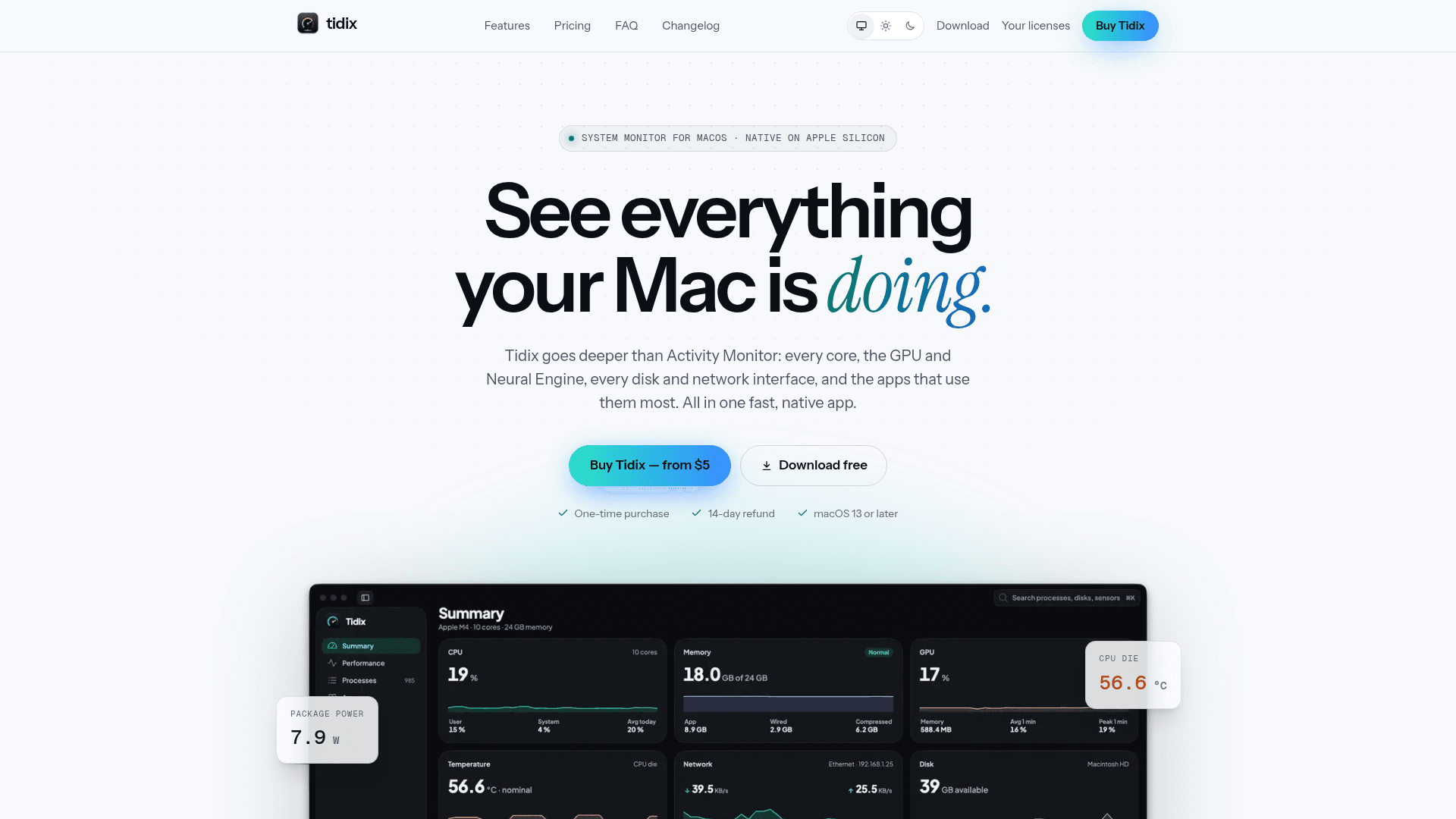
A native macOS system monitor that goes deeper than Activity Monitor: every core, GPU and Neural Engine, disks and network interfaces, processes with their power draw, and the apps that used the most over the last 30 days.
Screenshots
Features
Performance monitoring
Lists CPU, memory, GPU, Neural Engine, disks, network interfaces, power, and thermals with live charts over multiple time ranges.
Process management
Shows process trees or flat lists with CPU, memory, disk, power draw, and wakeups, and lets you quit, pause, signal, or reprioritize processes.
App inventory
Displays installed apps with version, source, last use, size on disk, and related startup items with on or off controls.
Quick search
Searches across Tidix and jumps to a process, app, or disk with keyboard shortcuts.
Monitoring profiles
Supports profiles from Power saving to Diagnostic, launch at login, background running, and a global keyboard shortcut.
Language and appearance
Offers English, Spanish, French, and German, plus light or dark mode and a custom accent color.
FAQ
- How do device licenses work?
- Each license covers a set number of Macs. Activating Tidix on a Mac takes one seat, and activating the same Mac again doesn't take another. When every seat is in use, deactivate one in the Tidix app before adding another Mac.
- I got a new Mac. How do I move my license?
- Deactivate the license in Tidix on the old Mac. The seat is free right away, so you can activate the new Mac.
- I lost my license key. Now what?
- Your license key is in the checkout email. You can also sign in with the email you bought with: your account lists every license key for that address.
- Does Tidix need to be online?
- Tidix contacts the license service only to activate, check, and deactivate. If it can't reach the service, it keeps working for up to 30 days after the last successful check. Your monitoring data never leaves your Mac.
- What do I need to run Tidix?
- macOS 13 or later. Tidix is native on Apple silicon. A few readings, such as other users' processes and energy counters, need the optional privileged helper, which you can turn on in Settings.
- Who handles the payment?
- Checkout runs on Paddle, which acts as the reseller and merchant of record. Paddle handles payment, sales tax, and your receipt.